If you want a beautiful, no-fuss way to track your romantasy reads in Notion, start here: https://www.notionreads.com.
Romantasy readers tend to track a little extra data: trope combos, spice level, series order, POVs, rereads, and that one character you’ll never get over. A basic “Title / Author / Rating” list works… but it doesn’t scratch the itch.
This guide shows you how to build a Romantasy-ready tracker in Notion (and how to structure it so you can actually use it week to week).
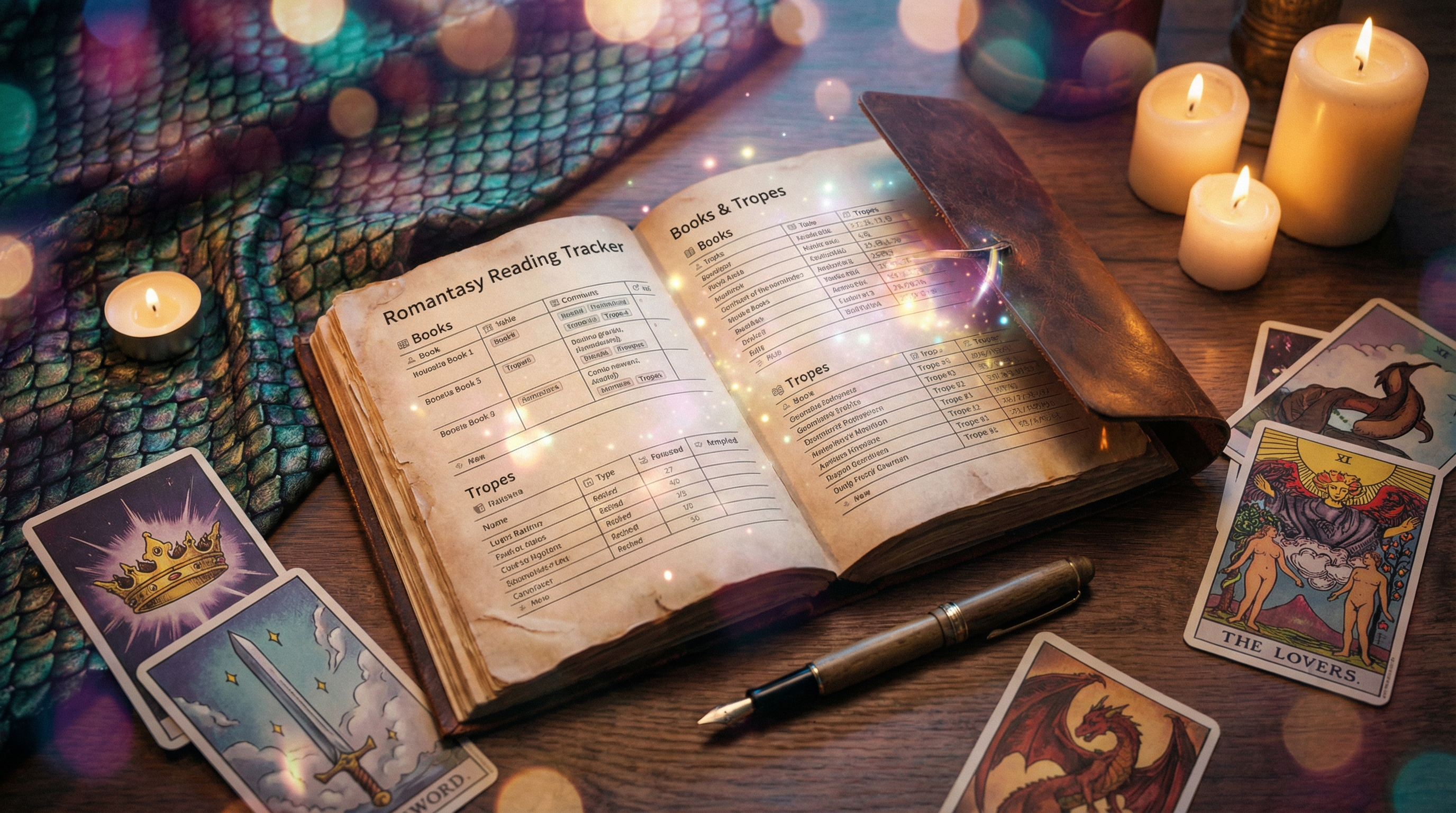
What to track for Romantasy (the fields that matter)
Create one database called Library (or Books) and add these properties.
Core book info
- Title (title)
- Author (text)
- Series (relation or text)
- Series # (number) — crucial for reading order
- Format (select): Kindle, Paperback, Audio, Hardcover
- Status (select): TBR, Reading, Finished, DNF
The Romantasy extras
- Spice (select): Closed-door, Mild, Medium, Spicy, Nuclear
- Tropes (multi-select): enemies-to-lovers, fated mates, forced proximity, slow burn, found family, etc.
- Vibes (multi-select): cozy, dark, epic, political, humorous
- Magic system (select): elemental, fae, dragon riders, necromancy, etc.
- Content notes (text) — keep it private + searchable
Tracking progress + re-reads
- Start date (date)
- Finish date (date)
- Re-read? (checkbox)
- Re-read count (number)
Wrap-up data
- Rating (number or select)
- Favorite character (text)
- Favorite quote (text)
- Would recommend? (checkbox)
Views that make the tracker feel like an app
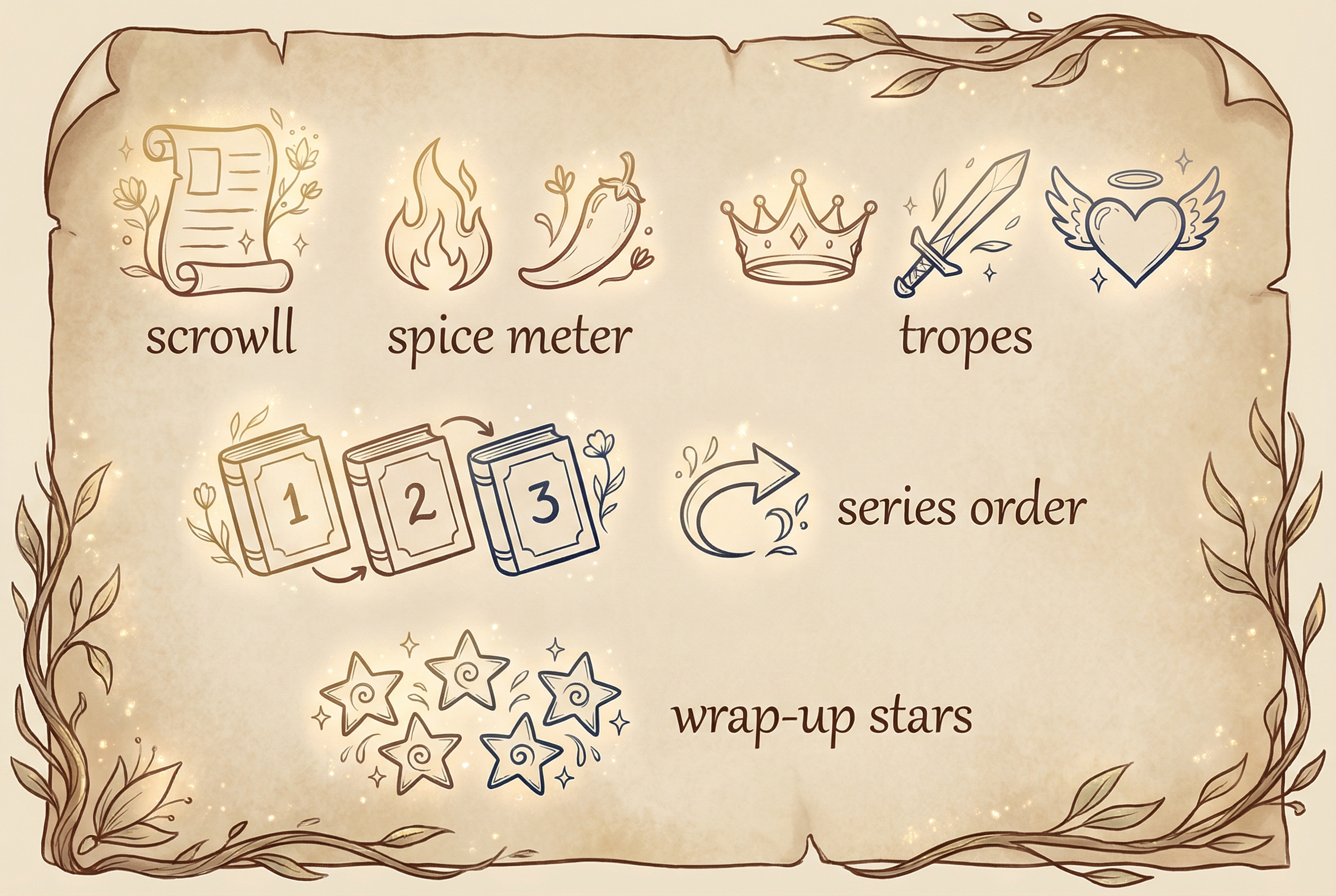
Add a few views so you’re not stuck in one giant table:
- TBR board (Board grouped by Status)
- Reading now (Filter: Status = Reading)
- Series tracker (Table sorted by Series then Series #)
- Spice index (Gallery filtered by Spice)
- Monthly wrap-up (Table filtered by Finish date is within this month)
If you’re new to setting up a full tracker structure, you may also like:
How to handle series order (without losing your mind)
Series order is where trackers usually break.
Simple approach (works for most people):
- Keep Series as text
- Use Series # as a number
- Sort by Series, then Series #
Power-user approach:
- Create a separate Series database
- Relate Books → Series
- Add rollups like “Books finished in series” and “Next book in series”
Add a “DNF without guilt” workflow
A tracker should help you read more joyfully, not punish you.
Create a Status option DNF and add an optional property DNF reason (select): not my vibe, pacing, writing style, too dark, etc.
Later, you can filter out DNFs from wrap-ups while still keeping the record (so you don’t re-buy/re-borrow the same book).
Quick setup option: use NotionReads instead of building from scratch
If you’d rather skip the database design and get a polished tracker instantly, NotionReads is built specifically for reading tracking in Notion (and it’s easy to adapt for Romantasy fields like tropes + spice).
If you’re coming from Goodreads, this guide can help too:
A simple “Romantasy wrap-up” template (copy/paste)
Add this as a Notion template button inside your Library database:
- ⭐ Rating:
- 🌶 Spice:
- 🧩 Tropes:
- 💬 Favorite quote:
- 🖤 Favorite character:
- 🔥 Best scene (no spoilers):
- 📝 One-line review:
Final checklist
- Core fields (title/author/status)
- Romantasy fields (spice/tropes/vibes)
- Series order (Series + Series #)
- Views (TBR board + Reading now)
- Wrap-up template
When you’re ready to turn your tracker into something that feels like a real app, bookmark this: https://www.notionreads.com.