Notion Reading List Template (Free) — Track What You Want to Read
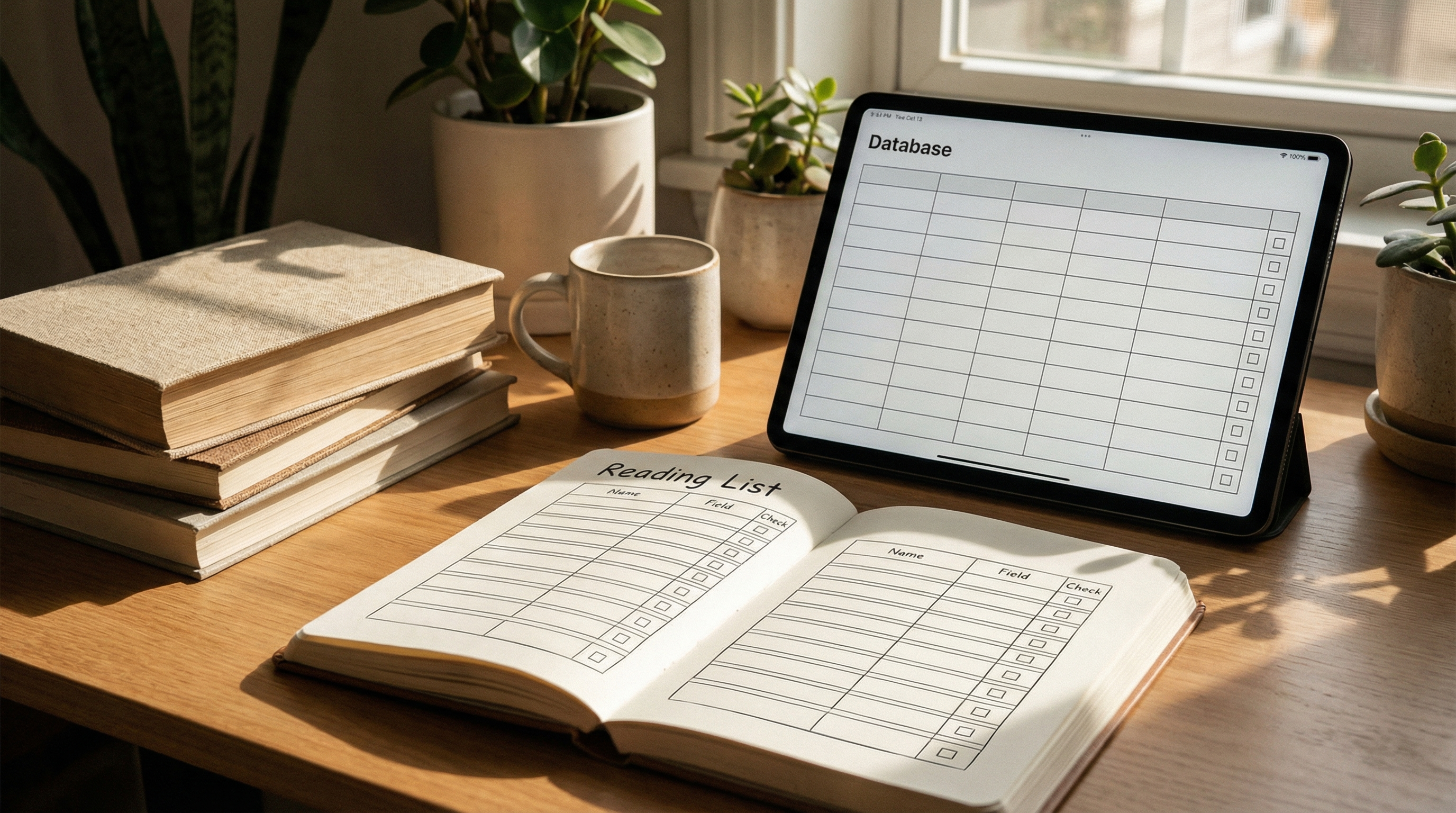
TL;DR: If you want a clean, no-fuss reading list in Notion, you only need one database with 6–8 properties and two views (TBR + Completed). Below is a simple template structure you can copy today.
If you want this to stay updated effortlessly and turn into a real reading system, try NotionReads.
What a "reading list" in Notion should do (and what it shouldn't)
A good Notion reading list is basically a place to capture:
- What you want to read (TBR)
- What you are reading
- What you finished
- A quick rating and a few notes
It should not turn into a 40-property database that you never maintain.
The simplest Notion reading list database (recommended properties)
Create a database called Reading List and add these properties:
- Title (Title) — the book name
- Status (Select) —
Want to Read,Reading,Finished,Paused - Author (Text) — optional, but useful
- Format (Select) —
Print,Kindle,Audiobook - Started (Date)
- Finished (Date)
- Rating (Number) — 1–5
- Notes (Text) — keep it short
That's enough for 99% of people.
Views to set up (so you actually use it)
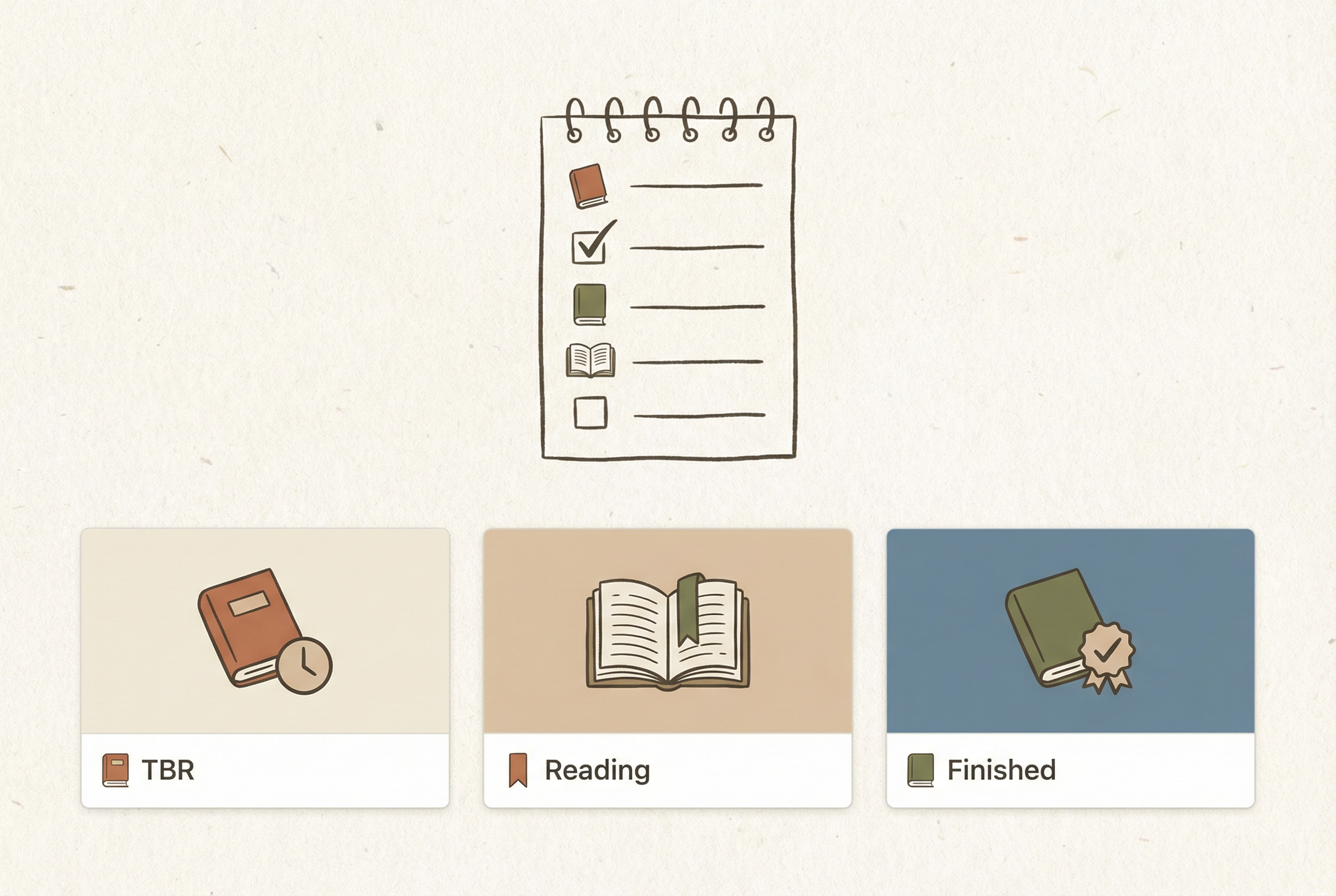
Create these views:
1) TBR (Want to Read)
- Filter:
StatusisWant to Read - Sort: optional (by "Added" date if you track it)
2) Reading Now
- Filter:
StatusisReading
3) Finished
- Filter:
StatusisFinished - Sort:
Finisheddescending
Optional upgrades (only if you'll use them)
If you know you'll keep it updated, add one or two of these:
- Genre (Multi-select)
- Source (Select) —
Goodreads,Amazon,Recommendation, etc. - Priority (Select) —
High,Medium,Low
Common mistakes (and quick fixes)
- Mistake: Too many properties → Fix: delete anything you don't fill in weekly.
- Mistake: No views → Fix: add TBR + Finished at minimum.
- Mistake: Ratings but no notes → Fix: add one sentence: "Why did I like/dislike it?"
If you already have books in Goodreads
If your reading list lives in Goodreads today, you don't need to re-enter everything manually.
Start here: How to import your Goodreads library to Notion.
Next step: turn this into a real system
A template is step one. The real win is having your reading list stay current and usable with almost no maintenance.
Try NotionReads: https://www.notionreads.com
Related: How to build your own book tracker in Notion (+ FREE template)