I can take a StoryGraph library CSV and put it on a Notion bookshelf now. The Goodreads import was already there. The two files are different, and they do not follow the same rules.
The public steps are Import from StoryGraph and Import from Goodreads. The upload itself is the StoryGraph import or the Goodreads import, after you sign in and connect Notion.
Export a StoryGraph library
Sign in on StoryGraph, open Manage Account, and go to Export StoryGraph Library. Generate the export, then download the CSV.
That file is one row per book. The import reads:
- Title
- Authors, from the Authors column. Contributors are left out, and the page says so
- ISBN, when the ISBN/UID value is a valid ISBN
- Read status
- Date added and read dates
- A whole-star rating
- A review, only when a shelf field is mapped to description
A cover is filled in when the ISBN matches. If ISBN/UID is not an ISBN, the book still comes in and the cover lookup is skipped.
Open the StoryGraph import and drop the file in. The page lists what it will leave out before you start. The longer export notes are in how to move your StoryGraph library to Notion.
What a StoryGraph import leaves out
These stay in the CSV:
- Tags
- Moods, pace, and content warnings
- Format
- Read count
- Owned
- Contributors
A new Bookshelf includes a Did not finish status, so those rows keep that status. An older or custom shelf without that option leaves the Did not finish rows out and reports the count. They are not saved as Reading or Backlog.
Paused, and any other status the importer does not recognize, is skipped. Those rows are not saved as Backlog.
A Did not finish row with a start date and a stop date keeps that range. A stop-only date is not stored as a finish date. Page progress is not filled in for Did not finish.
Ratings round to the nearest whole star, and the page says so. A rating under half a star can be left off.
When a book lists more than one read, the latest one is saved. Duplicates are skipped when the mapped Title or ISBN is already on the shelf. A repeated row in the CSV is skipped too.
Leave the StoryGraph import tab open while it runs. The page sends the books in batches from your browser. If you reload, the import can continue after a 45 second lock.
Export a Goodreads library
A Goodreads file is a different export. Sign in and open the Goodreads import/export page. Click Export Library, wait, and download the CSV.
Open the Goodreads import and drop that file in. The importer keeps rows that have a Book Id. It strips the spreadsheet formula wrapper from ISBN and ISBN13. A row with an ISBN or ISBN13 is preselected. A row with no ISBN or ISBN13 can't be imported until you type an ISBN into the table.
A trial adds up to 10 books. After it starts, the status page tracks it. You can close that page and open the same link later. The summary lists books that came in without a cover and books that could not be imported.
The StoryGraph rules above belong to the StoryGraph CSV. A Goodreads export uses the Goodreads import. The walkthrough is how to import your Goodreads library to Notion.
Trial, then the license
A trial adds up to 10 books. Goodreads and StoryGraph share 3 library imports. One StoryGraph import and one Goodreads import both count toward those 3.
The paid plan is a $60 one-time license, plus tax if it applies. Start the free trial if you want to test a file first. The license is on the pricing section. Checkout stays at the same Lemon Squeezy link the homepage uses: buy the $60 license. After you pay, activate the key at notionreads.com/upgrade.
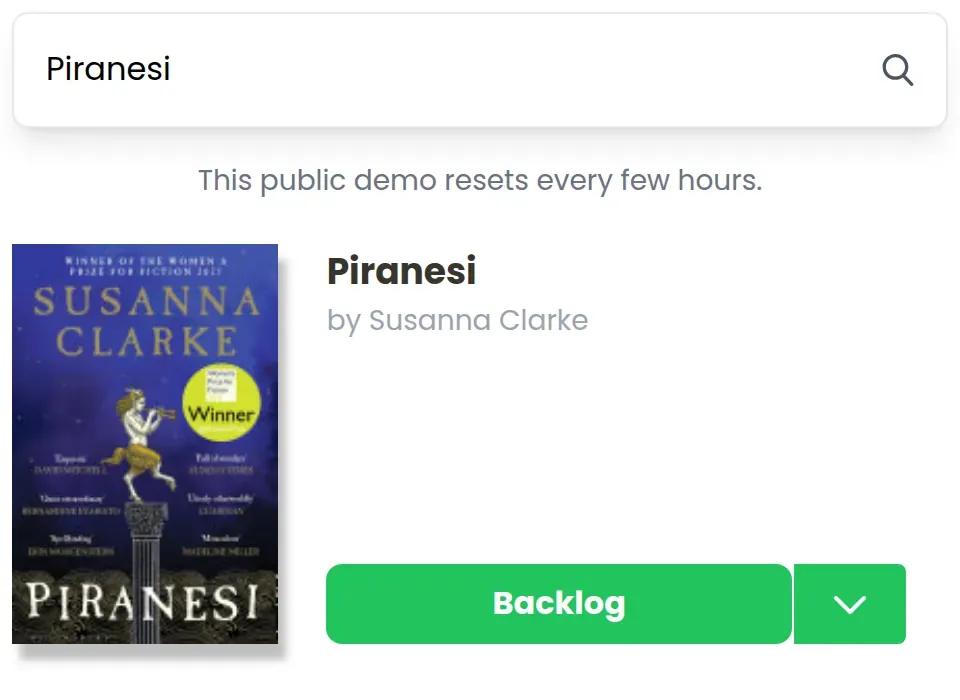
When a cover is missing
Search still fills one title at a time. Try a book from the file here:
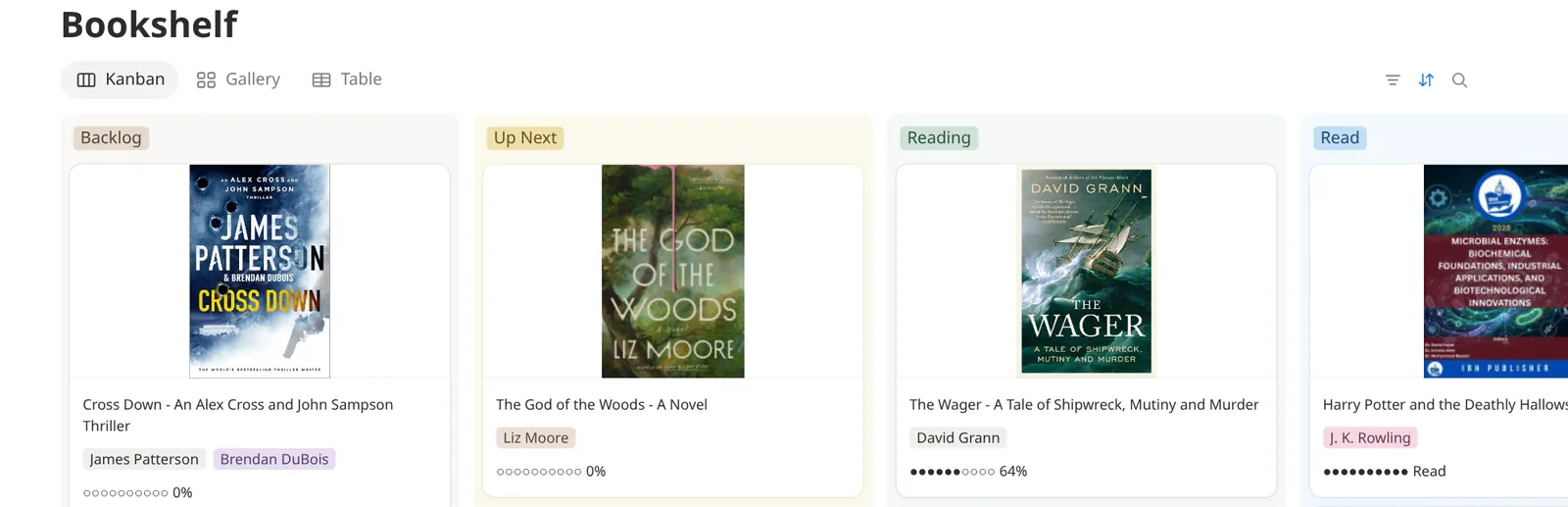
Once a few covers are in, the shelf looks like this:
FAQ
How do I export my StoryGraph library?
Sign in on StoryGraph, open Manage Account, and generate the export at https://app.thestorygraph.com/user-export. Download the CSV, then upload it on the StoryGraph import.
What happens to Did not finish books?
A new Bookshelf includes Did not finish, so those rows keep that status. An older or custom shelf without that option leaves those rows out and reports the count. They are not saved as Reading or Backlog. A start-and-stop range is kept. A stop-only date is not stored as a finish date. Page progress is not filled in.
How are StoryGraph ratings saved?
Ratings round to the nearest whole star, and the page says so. A rating under half a star can be left off. A review is saved only when a shelf field is mapped to description.
Which Goodreads rows are preselected?
Rows with a Book Id are kept. ISBN and ISBN13 are cleaned when the spreadsheet wrapped them as a formula. A row with an ISBN or ISBN13 is preselected. A row with no ISBN or ISBN13 can't be imported until you type an ISBN into the table.
Do Goodreads and StoryGraph share the trial imports?
Yes. A trial adds up to 10 books, and the two importers share 3 library imports. The license is $60 once. Activate it at https://notionreads.com/upgrade.
Do I have to leave the StoryGraph import tab open?
Yes. The page sends the books in batches from your browser. If you reload, the import can continue after a 45 second lock. The Goodreads status page can be closed and opened again from its link.
Questions are welcome. Email me.